Bimiq Logo
Bimiq
Pricing
ContactLog in
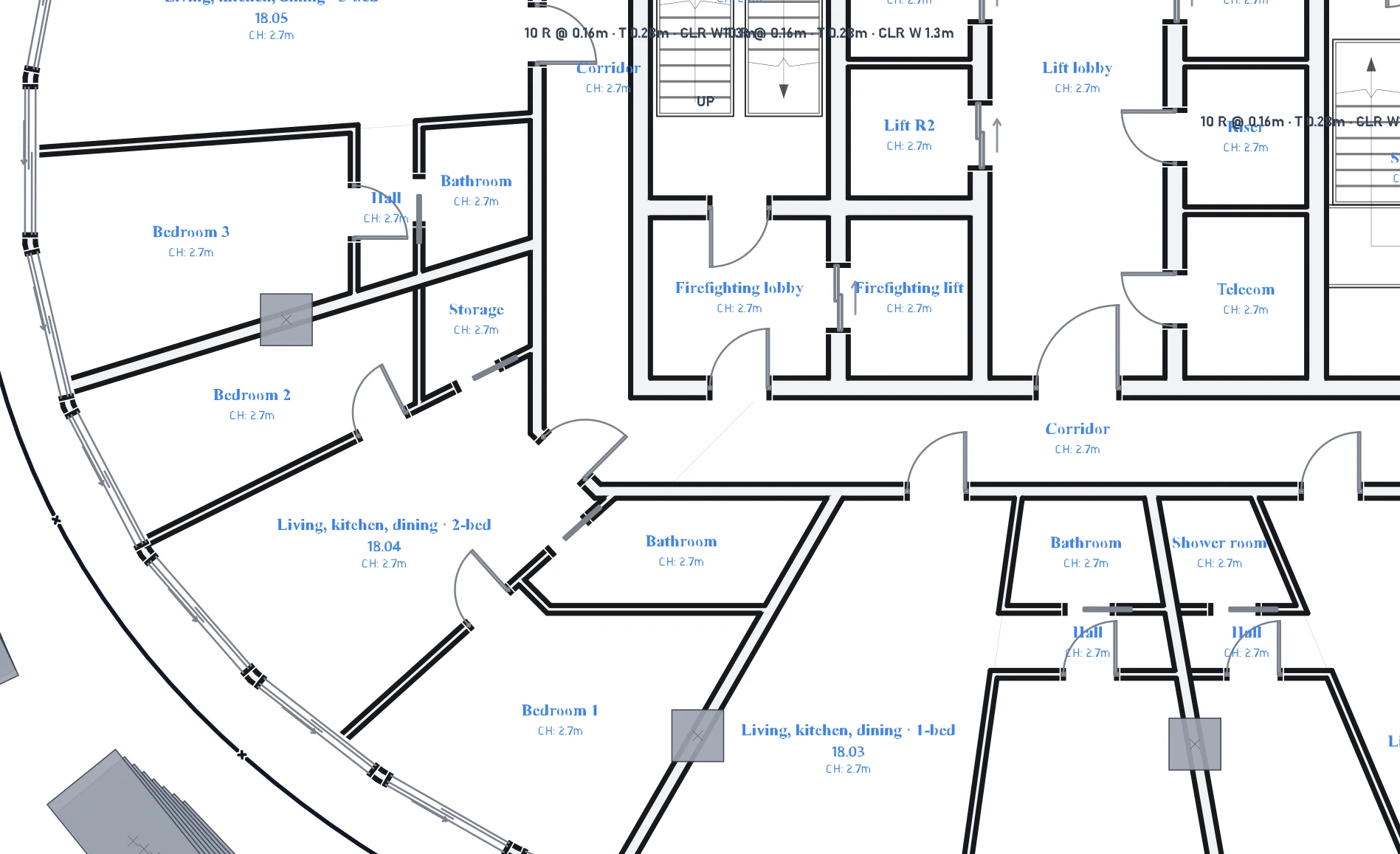
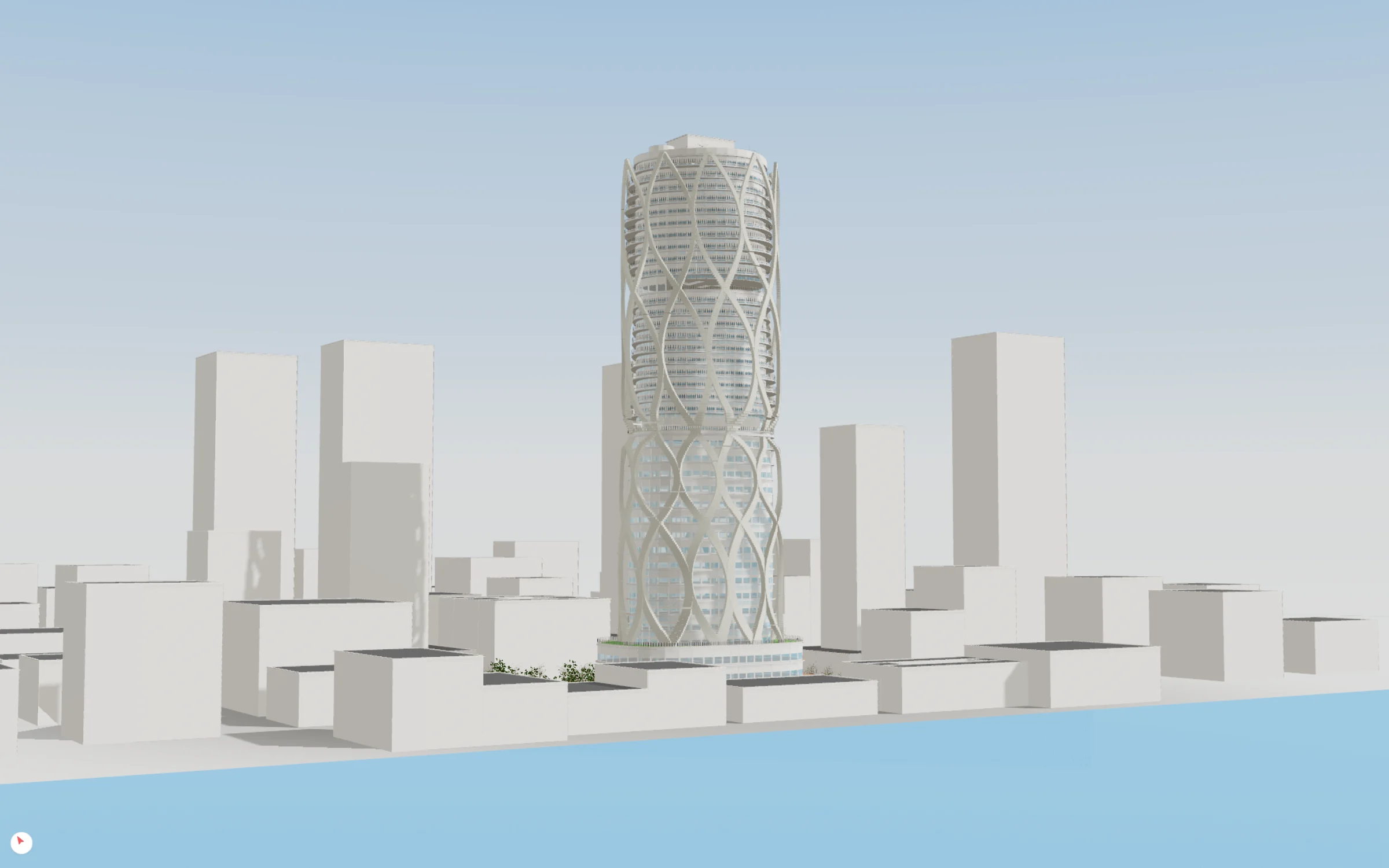
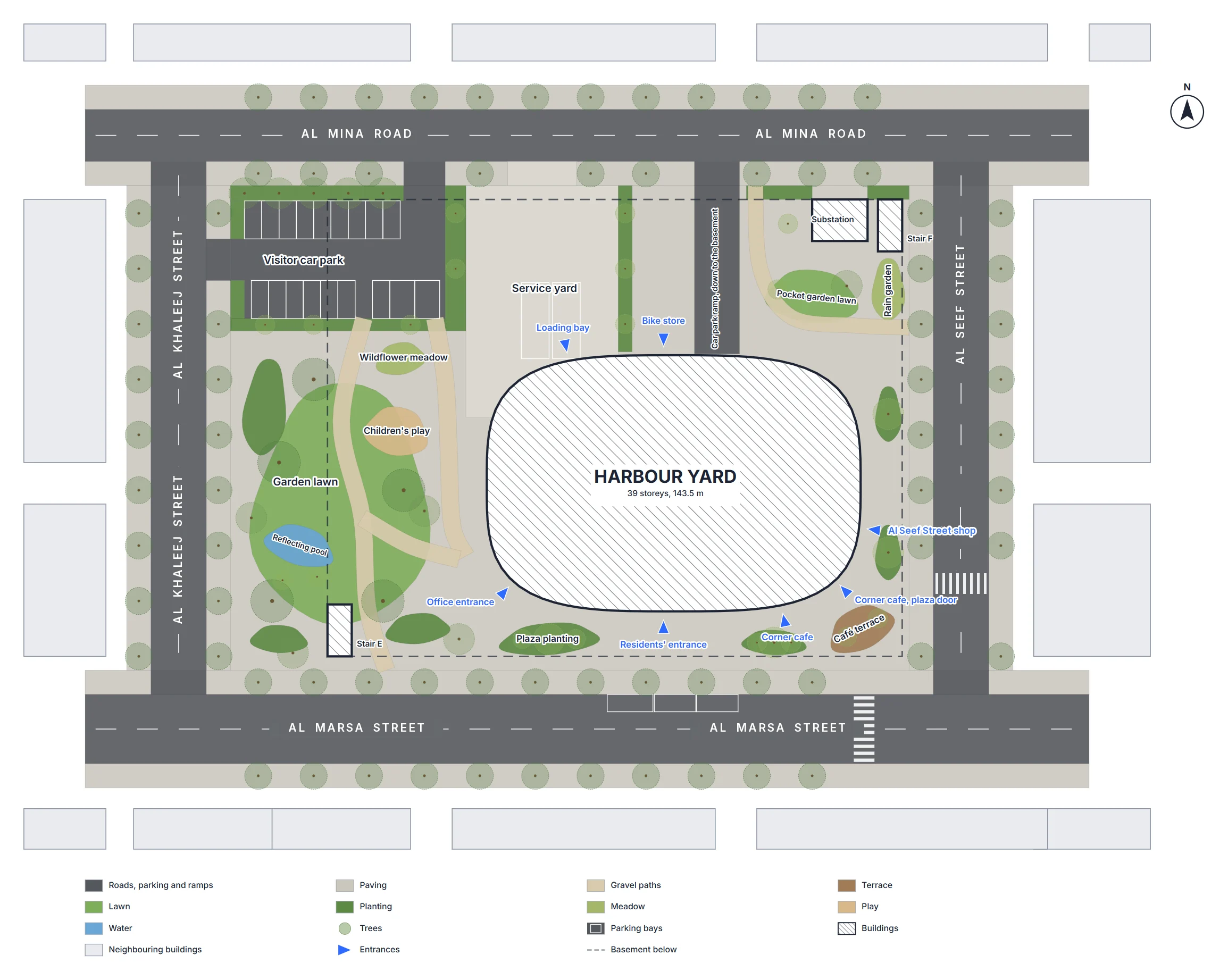
Realistic Interior
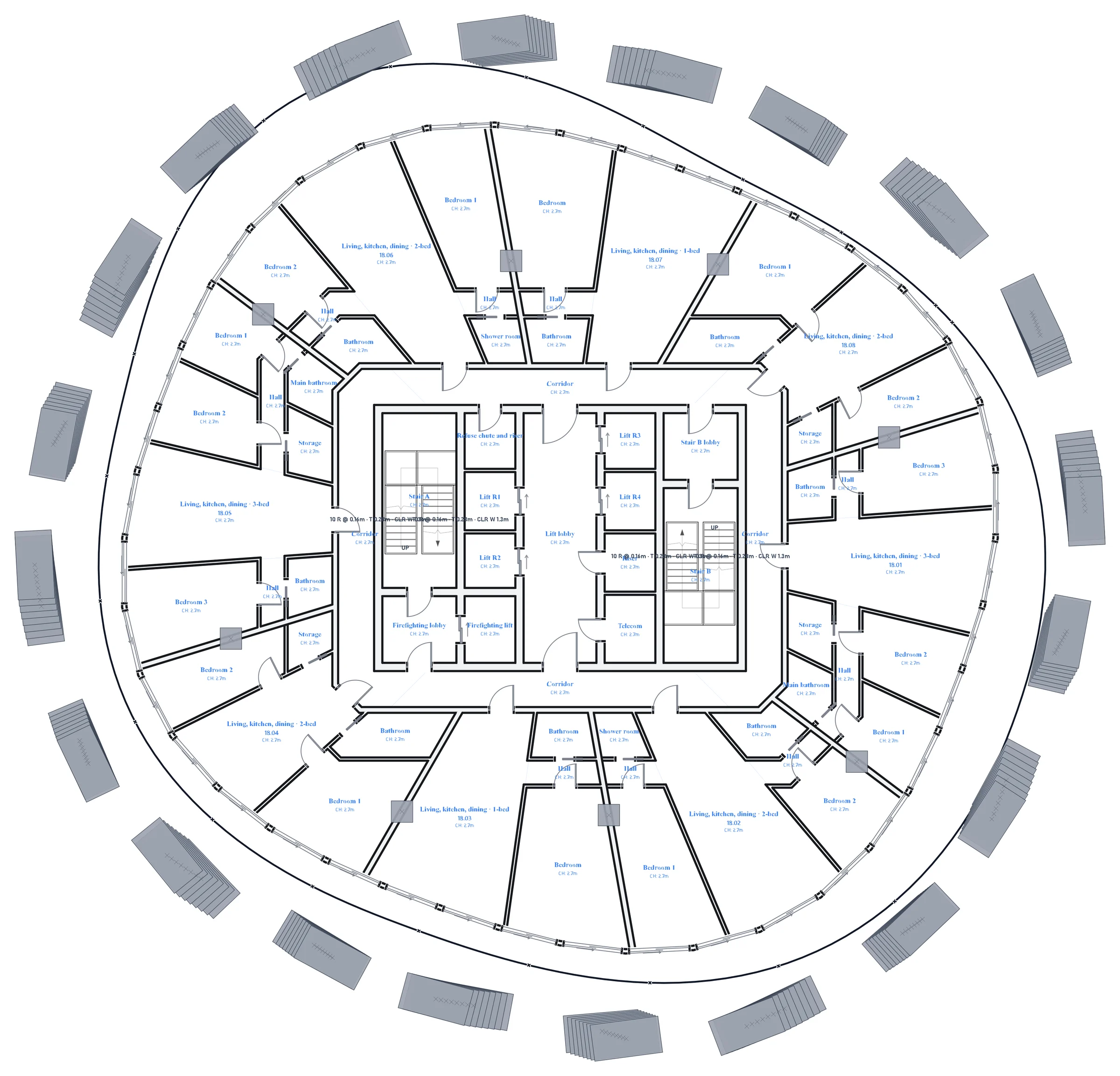
Wireframe Interior

One intelligent layer across your model, specs and documents.

Your model knows what's built, your documents know what's required. Bimiq reads both, catches every place they disagree, drafts the fix and waits for your approval before anything changes.

14 day free trial, no card required

Trusted by leading architecture firms

The model is fine. Coordinating everything around it is the job

A clash report nobody can use.

Navisworks returns four thousand hits and most of them are the same duct crossing the same beam. Triage burns a day, and the criticals that matter hide in the noise.

Specs and model that never meet.

The spec calls for a 60-minute fire rating. The model says 30. No one compares them line by line until the authority having jurisdiction does it instead.

Documents that quietly disagree.

The drawings, the structural note and the schedule each state a different number for the same slab. Three sources, one answer, discovered at the worst moment.

RFIs answered from memory.

Answering one properly means opening the model, the spec and the decision history at once. So it gets answered from memory instead, and the answer is wrong.

An intelligence layer over the tools you already run.

Right now, nothing connects Revit, Navisworks, and your project specs except you manually crossing back and forth. Bimiq bridges that gap. It reads your live model and every document at once, figures out where they disagree, and takes action to fix it with your approval.

Your models

RevitNavisworks

Bimiq AI

Reads

Models and documents at once

Reasons

Finds where they disagree

Acts

Drafts, fixes, with your approval

Your documents

SpecificationsDrawingsRFIsReportsSchedulesMeeting minutes

How it works

Connect once. Then just ask.

01

Connect your model.

Install the Bimiq Bridge, connect your Revit or Navisworks model. Bimiq reads the live model: elements, levels, grids, worksets, schedules, warnings, links. The model stays on your machine.

Bridge connected

Tower-A-ARCH.rvt

Open in Revit

TA-FEDERATED.nwd

Open in Navisworks
02

Add your documents.

Drop in specs, consultant drawings, schedules, meeting minutes, BCF files. Bimiq indexes them and extracts the requirements it can actually check, clause by clause.

A-SPEC-08 71 00.pdf

Specification · 42 clauses

Door-Schedule-R4.xlsx

Consultant · 118 rows

Coord-Minutes-12.docx

Transcript · 9 actions

03

Run the checks. Approve the fixes.

Spec against model. Document against document. Model against model. Bimiq flags every conflict with its source, drafts the RFI, and writes the fix back into Revit when you approve.

Checked the modelPreviewed the change (not yet applied)
Fire rating · 2 doorsFD30FD60

Spec 08 71 00 · Level 3

Approve & applyDismiss

Six things you were about to do by hand this week.

Clash Coordination

Clash Coordination

Import clashes from Revit or Navisworks. Bimiq groups thousands of raw conflicts into actionable issues. Assign tasks, raise RFIs, or sync back to the model instantly.

Spec Compliance

Extract requirements from your project specifications and test them against live model data. Bimiq flags failing elements and offers instant fixes to ensure total project compliance.

Document Coordination

Check every indexed project document automatically. When sources disagree on dimensions or ratings, Bimiq flags the contradiction visually so you can fix it before publishing sets.

RFI Intelligence

Pull context directly from your live models, specs, and project history. Bimiq drafts fully sourced RFI responses in seconds, leaving you to review, edit, and send.

Project Readiness

Project Readiness

Review all critical project blockers in one unified dashboard before issuing. Track open clashes, spec violations, and model health to ensure your team is actually ready.

Decision Log

Extract crucial decisions directly from your meeting notes and project transcripts. Bimiq logs these agreements, turning verbal conversations into easily searchable project records.

And reports: generate a coordination report that freezes the numbers exactly as issued clashes, spec violations, document conflicts, RFIs and the change since last time. Share it or schedule it to send itself every week.

It doesn't just read one file. It acts across your whole project with your permission.

Most tools bolt a chatbot onto a single model. Bimiq drives Revit, Navisworks, and your documents together.

Ask it anything, across everything.

?

Which Level 3 clashes involve fire-rated doors, and does the spec require something different?

Then tell it to act.

Fix the fire rating on those two doors and re-run the clash test.

Fire rating mismatch: 2 doors, Level 3

2 elements · 1 clash
Revit
FD30
Navisworks
Active clash: door vs. fire wall
Spec, Section 08 71 00
Requires FD60

Update both doors to FD60 and re-run the clash test against the fire wall assembly.

Every write is previewed. Nothing runs until you approve. Across Revit, Navisworks, or your documents, Bimiq shows you exactly what it will change and where.

Query elementsBulk parameter editsCreate sheets & viewsGenerate schedulesCross-check against specQuantity take-offModel auditCompare modelsClash testsDraft RFIs from clashesPurge & cleanupTag & dimensionPlace familiesExport

Your model never leaves your machine. Your project stays protected.

Local-First BIM Bridge

Your BIM files remain local. Only relevant query outputs are transmitted securely.

Enterprise Encryption

TLS 1.3 + AES-256 across all project documents and workflows.

Full Audit Trail

Every query, recommendation, edit, and confirmation is logged.

From hours to seconds

Architects, BIM managers, and project teams use BIMIQ to coordinate faster, automate documentation, and deliver error-free models.

12h → 1mTypical time to update 500+ model parameters.
"We went from spending days cross-referencing schedules to resolving discrepancies instantly. It completely changed how we coordinate."
Sarah Jenkins
Sarah Jenkins
BIM Manager, HOK
3x

Increase in documentation speed and model quality.

"We now deliver perfectly coordinated models and drawing sets across the entire team without the usual manual data entry."
Marcus Thorne
Marcus Thorne
Director of Design Technology, Gensler
"Executing bulk model edits through natural language feels like magic."
Elena Rodriguez
Elena Rodriguez
Project Architect, SOM
"Automating our sheet creation and QA checks gave us a huge head start and improved our delivery output immediately."
David Chen
David Chen
Design Technology Lead, BIG

Frequently Asked Questions

General & Capabilities

Compatibility & Integration

Security & Control

Your next coordination cycle starts soon

Connect your model, drop in your specs, and see what Bimiq finds in the first hour.

14-day free trial. No credit card required.